Monday, March 18, 2019

Mr. G at GDC!!!!!!

Day 4
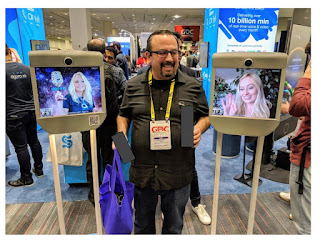
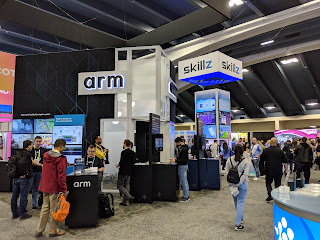
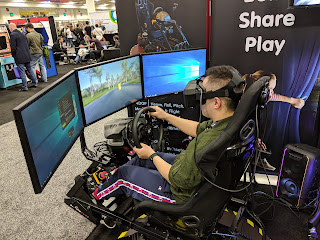
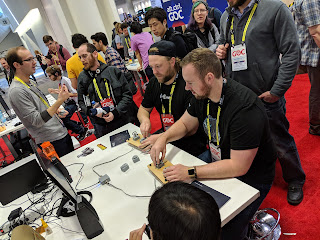
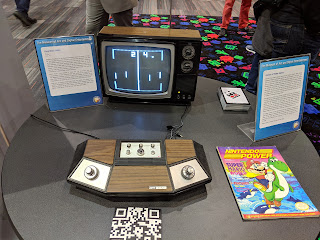
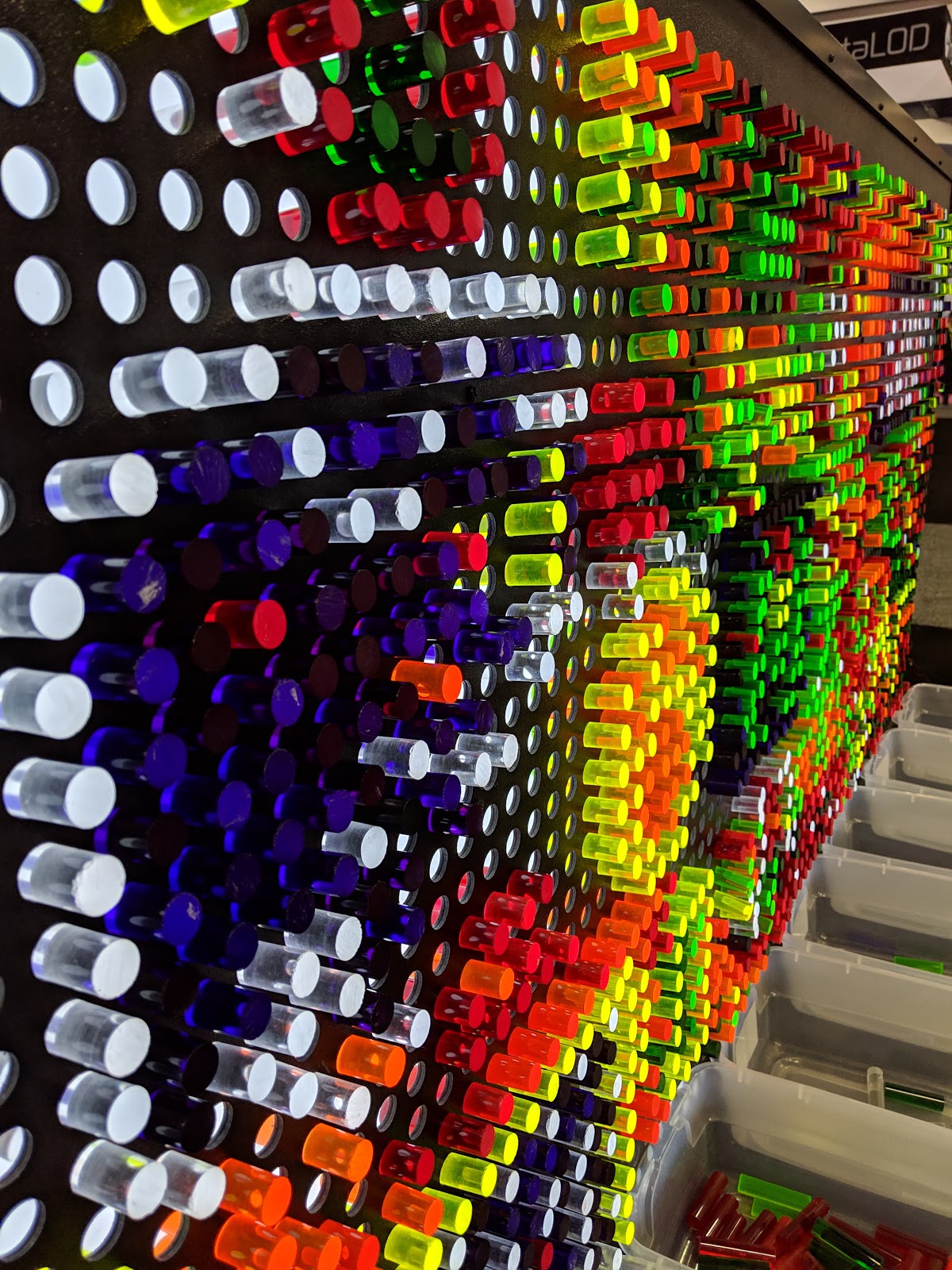
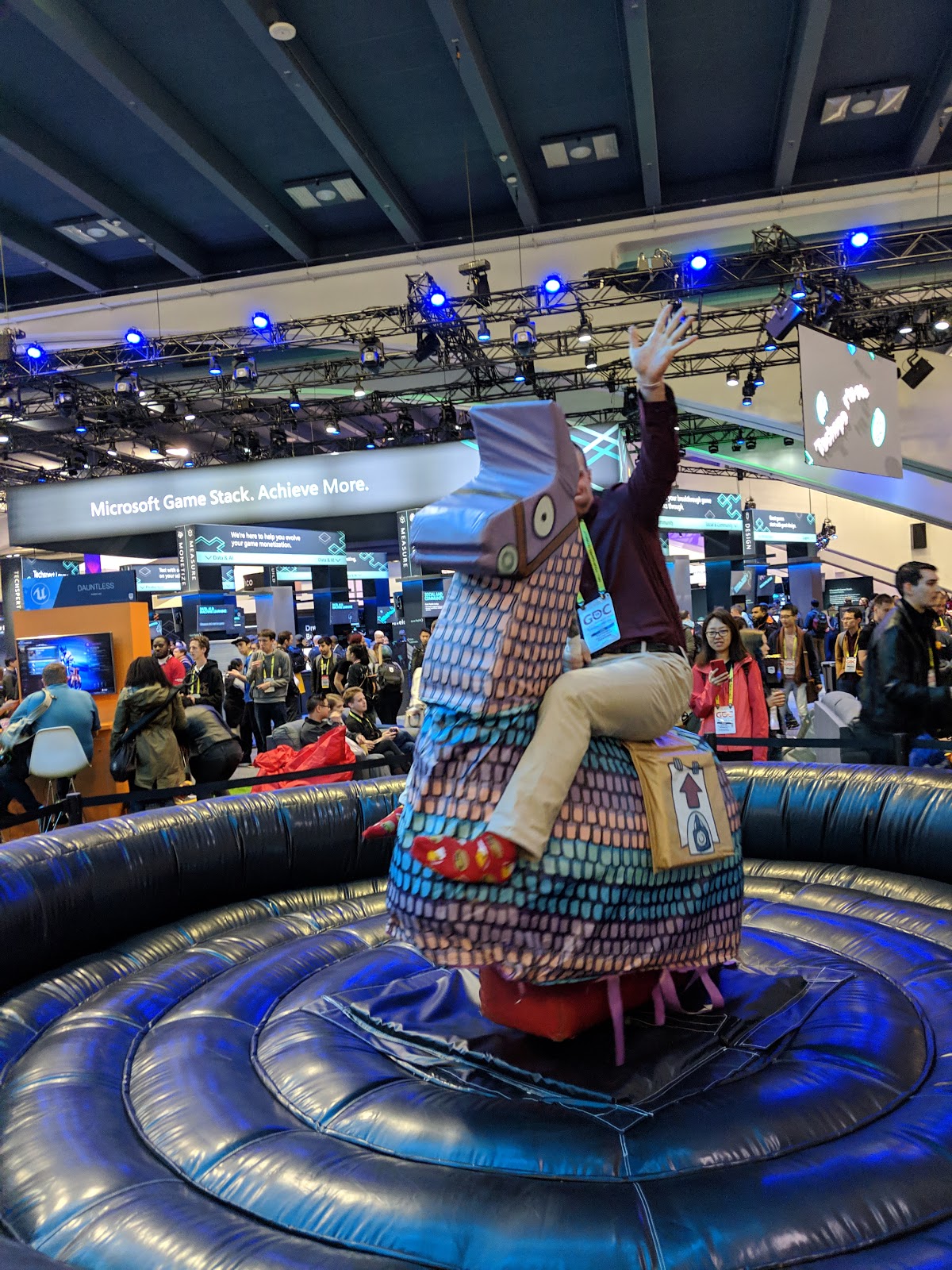
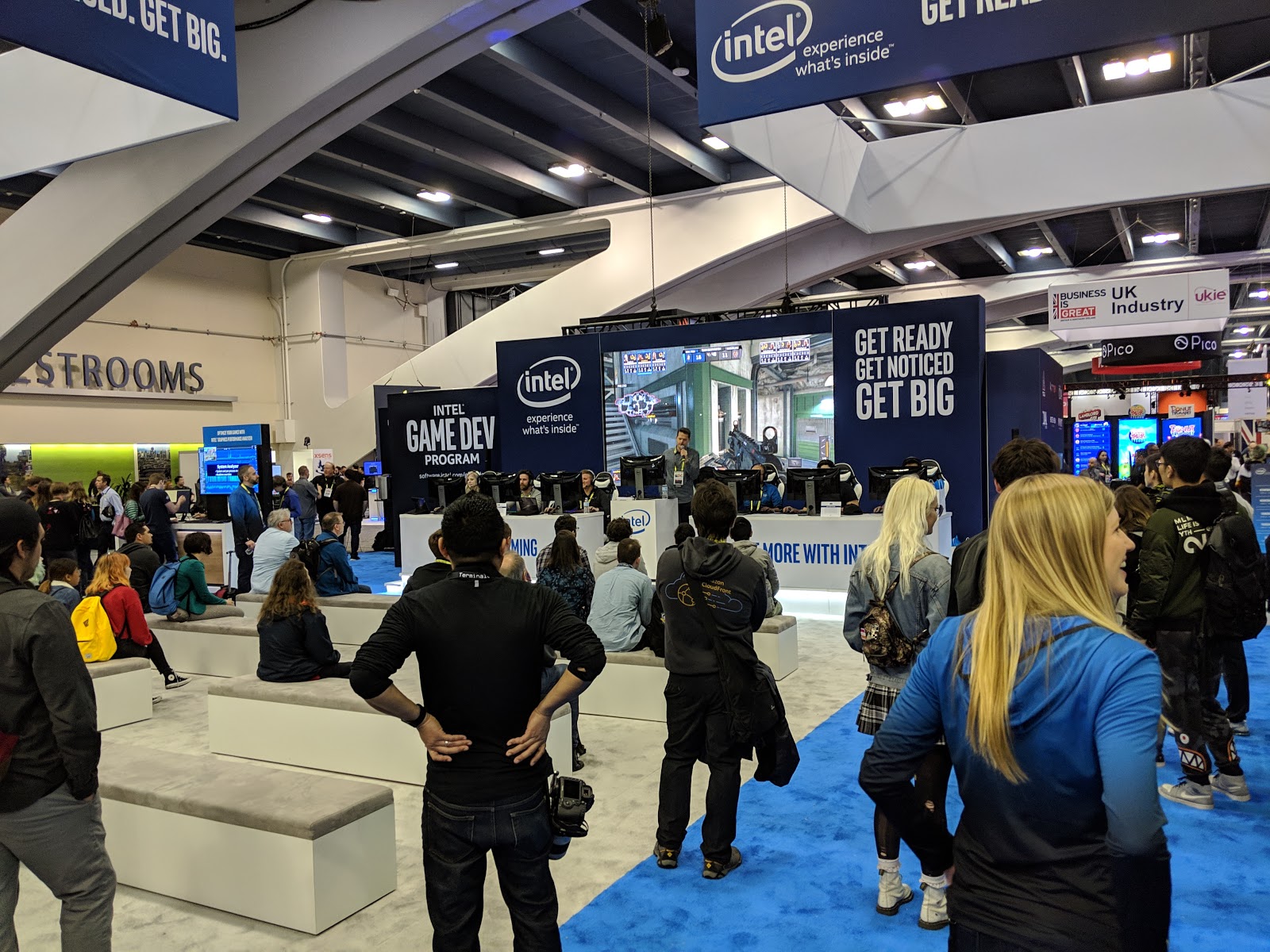
Another great day at GDC!  AI trained car from Amazon, Pacman, lots of alternate control games, Play Station, XBox, Haptic Suit, Electronic Sensory Rig, Giant PacMan, and Game from the world.  How many countries can you find at GDC?


Day 3 at GDC
For the first 2 days, I have been attending very interesting sessions and playing games.  Today, the EXPO opened.  That is where all the big & small companies show off their new products and are there to talk to people about it.  It was crazy fun to see all the new games and gaming technology available.  Check it out!


Here is MegaCity by Unity.  They made this short trailer to demonstrate the power of their game design engine.


___________________________________________________________

Day 2 at GDC
Learning lots about game development and meeting people who are trying to do what we are doing!  Here are some shots of today.  More to come.


Some game trailers for you all.
Walden - Made by teacher, Tracy Fullerton & some of her students at USC Game Development Project over a 10 year period


Sky - 6 years with over 60 people designing


Candy Crush Friend Trailer


__________________________________________________


Hey all,
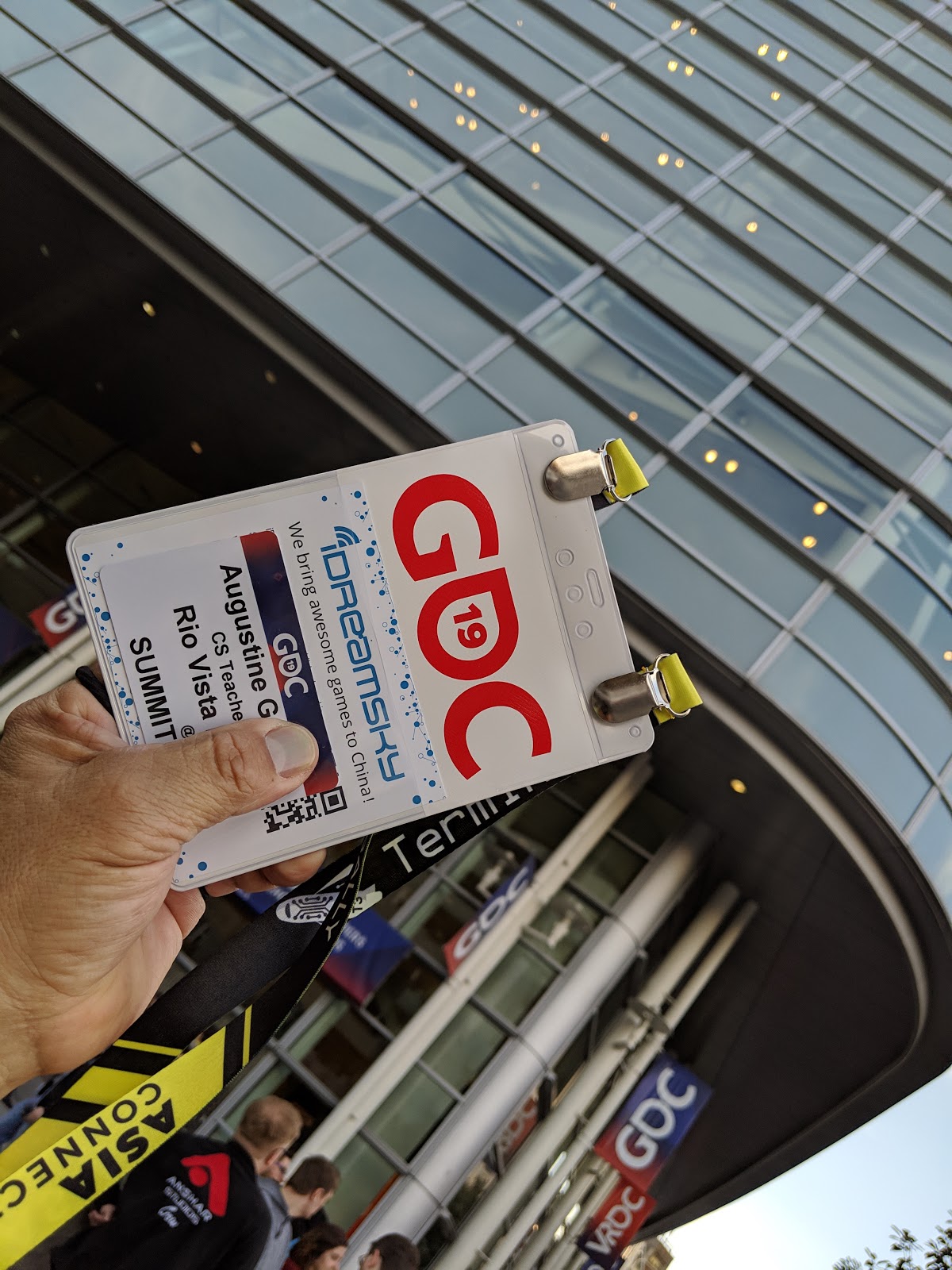
So I'm here in San Francisco at GDC 2019!  The Game Developers Conference has over 28,000 game professionals from every part of the business and every part of the world.   More at the bottom


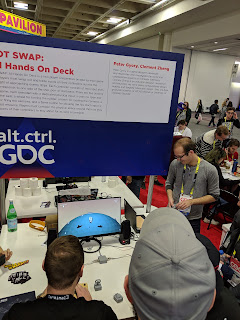
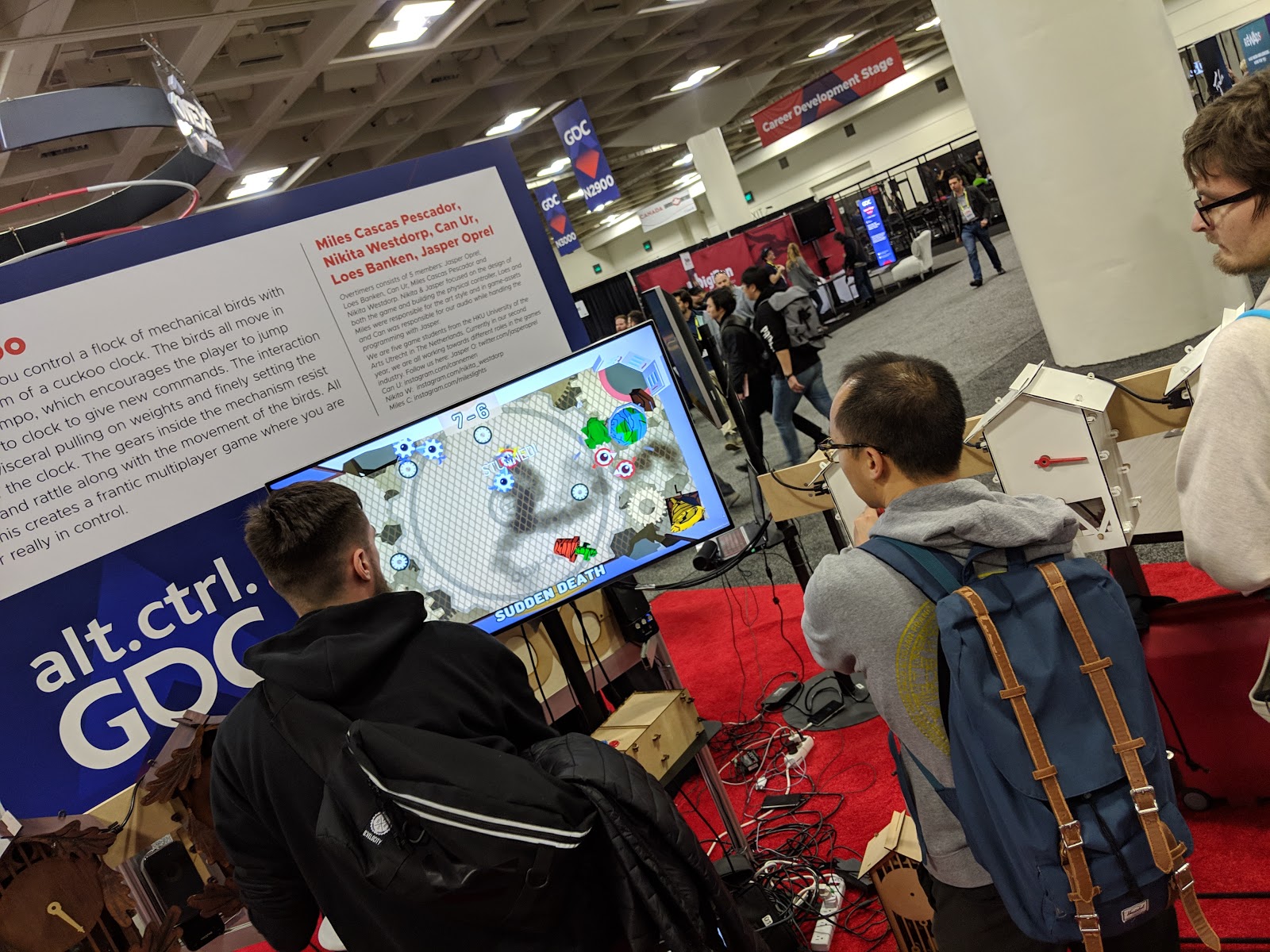
Check out these alternative controller games at a challenge called alt.ctrl.GDC.    Thanks Mr. Townsley for giving them a couple of extra minutes to check it out!  I think we saw some of these at IndiCade!  What do you guys think?  Comment below.
Here is the YouTube link:

Thursday, March 14, 2019

Lesson Plans for 3/18 - 3/22

Hi all,

Here are your plans for the week of March 18th through March 22nd.   Please show respect to your teacher, Mr. Townsley. Use your time wisely.  I’ll see you all next Monday. If any students come in needing tech repair, please refer them to the Tech Crew (Emilio, Alexis, Anthony, Joseph, & Cristopher) for service or to the library if it is necessary. Make it a great week!

Basic Plan all Periods
  1. 10 min - Daily Touch typing on Typing.com (13 min on clock) - TA or NitroType Games on Fri.  AGENDAS OUT & ON DESK
  2. 4 min - Check email and CHECK THE LESSON PLANS on Class Blog.
  3. P2 & 4 -   Game Development Groups - Break into groups.  These groups are developing their own video games.  They all have responsibilities within their groups. They are all taking a part on finishing their multi-level game within two weeks.  Collaboration between groups is an effective way of solving problems.
Tasks
Students have set their own goals.  You have a paper copy of their goals.  They are responsible for reaching their goals and helping their team finish their game or get as close as possible.  
Laughing, pride, intensity & frustration are all part of building a game.  
Stay Calm, Don’t Panic
NOISE Level
  • Noise level is between a 2 & 3 but should NEVER get so loud we disturb other classes
  • Walking around is for help only, no social maneuvering around the classroom:
    • Lost movement privileges, stay in seat - P2 - Kevin, Elijah,     P4 - Cole,
Consequences for repeated (2) disruptions:
  • Student may be moved away from others & continue working if behavior improves
  • Student may be moved to a 6th grade class or to office with a blue behavior referral - student will loose promotion points and will not be available to help their GDG team.
  • Just do your work:)  

If necessary, students can work on the race car design.

  1. P5 & 6 -    Project ID - Designing an Identification Tag (ID Tag) for your computer case, backpack, or keys
    1. Before beginning the project, students must finish Training in Tinkercad.
      1. Training in Tinkercad - Complete 7 Starters, 2 Lessons, 1 Project
    2. Use Tinkercad to create a unique design that will identify the case as yours.  The ID tag must have:
    3. a unique design that reflects your personality
    4. Include your first name, initials or nickname
    5. Stay within the size limits found on the Project ID Syllabus.  This page is important because it gives you the information you need to complete the project.
    6. Create at least 3 different designs.  You will choose your favorite to print.
    7. Project due date is Monday, March 25.
6th grade students will be taking field trips on Tuesday and Wednesday.  Your classes will be small on these two days.
  1. 35 min - Work on projects - detailed above
    1. Guest teacher - Students may be collaborating which is encouraged.  Or, they may be just visiting so you will need to move around the classroom and listen into conversations.  THIS IS CRUCIAL FOR GOOD CLASSROOM MANAGEMENT!!!!!
  2. Done with Project - Students can do these activities when complete with project and posting on their blog.  Early finishers can go on DIY Projects - If you are here, go to Gamestarmechanic.  
  3. DIY ACTIVITIES
Blogger
Modify your blogs themes, colors, and layout
Great game design website.  Sign in, use the year 2004 for registering, select “Get Started” until you get to the “Quest” and click on that.  
Tinkercad
Create a new project or work on an old one
Finish Preparing 3D printed ID
Use tools carefully and clean up work table
Code.org
Work on another new task or finish one from last year
Scratch
Go play some games on Scratch!  When you find a game you like, look at the code used to create it
Typing.com
Students can get some more keyboarding practice.

  1. 1 min - Shutting down & logging out - I make all student wait at stations till all headphones, tables, and chairs are neatly arranged.  I excuse one row at a time.   Do not excuse students until workspaces are clean.
    1. P6 needs to put chairs up and shut down TV on FRIDAY!
Reminders:
  • Write good, detailed, and readable reflections.  
  • Email me if you have any question.
  • Collaboration is helpful, socializing is distracting - Know why you are out of your seat and it cannot be to socialize.

I wish you all a good day.  See you Monday

Mr. Garcia

Tuesday, March 5, 2019

RVMS Game Development Project

Student game developers are busy building their video games.  There are a variety of different types of games being developed.  All the games below are in different stages of completion.  There are bugs and glitches.  Game developers will be updating their games weekly.  Games are scheduled to be done by the end of March.
Made with Padlet

Wednesday, February 6, 2019

Windows 10 Keyboard Shortcuts


Windows keyOpen or close Start Menu.
Windows key + AOpen Action center.
Windows key + COpen Cortana in listening mode.
Windows key + DDisplay and hide the desktop.
Windows key + EOpen File Explorer.
Windows key + GOpen Game bar when a game is open.
Windows key + HOpen the Share charm.
Windows key + IOpen Settings.
Windows key + KOpen the Connect quick action.
Windows key + LLock your PC or switch accounts.
Windows key + MMinimize all windows.
Windows key + ROpen Run dialog box.
Windows key + SOpen Search.
Windows key + UOpen Ease of Access Center.
Windows key + XOpen Quick Link menu.
Windows key + NumberOpen the app pinned to the taskbar in the position indicated by the number.
Windows key + Left arrow keySnap app windows left.
Windows key + Right arrow keySnap app windows right.
Windows key + Up arrow keyMaximize app windows.
Windows key + Down arrow keyMinimize app windows.
Windows key + CommaTemporarily peek at the desktop.
Windows key + Ctrl +DAdd a virtual desktop.
Windows key + Ctrl + Left or Right arrowSwitch between virtual desktops.
Windows key + Ctrl + F4Close current virtual desktop.
Windows key + EnterOpen Narrator.
Windows key + HomeMinimize all but the active desktop window (restores all windows on second stroke).
Windows key + PrtScnCapture a screenshot and save in Screenshots folder.
Windows key + Shift + Up arrowStretch the desktop window to the top and bottom of the screen.
Windows key + TabOpen Task view.
Windows key + "+" keyZoom in using the magnifier.
Windows key + "-" keyZoom out using the magnifier.
Ctrl + Shift + EscOpen Task Manager.
Alt + TabSwitch between open apps.
Alt + Left arrow keyGo back.
Alt + Right arrow keyGo foward.
Alt + Page UpMove up one screen.
Alt + Page downMove down one screen.
Ctrl + Alt +TabView open apps
Ctrl + CCopy selected items to clipboard.
Ctrl + XCut selected items.
Ctrl + VPaste content from clipboard.
Ctrl + ASelect all content.
Ctrl + ZUndo an action.
Ctrl + YRedo an action.
Ctrl + DDelete the selected item and move it to the Recycle Bin.
Ctrl + EscOpen the Start Menu.
Ctrl + ShiftSwitch the keyboard layout.
Ctrl + Shift + EscOpen Task Manager.
Ctrl + F4Close the active window.